
Electronics Storage
Last updated: 10 July 2026 • 6 min readPutting your electronics into storage is a sensible solution when you're moving, renovating, relocating your office, heading abroad or simply need to keep devices you won't be using for a long time.
Devices such as TVs, computers, monitors, sound systems, printers, game consoles and large appliances are more delicate than ordinary household items. Improper packing, a humid environment, sudden temperature changes or uncontrolled storage conditions can cause hidden but serious damage to electronic devices. That's why electronics need proper preparation before they go into storage, the right packing materials should be used, and a reliable storage facility should be chosen. In this guide, we take you step by step through how to pack and store electronic devices properly.
Secure Storage Solutions for Delicate Devices
Why Should Electronics Be Stored with Care?
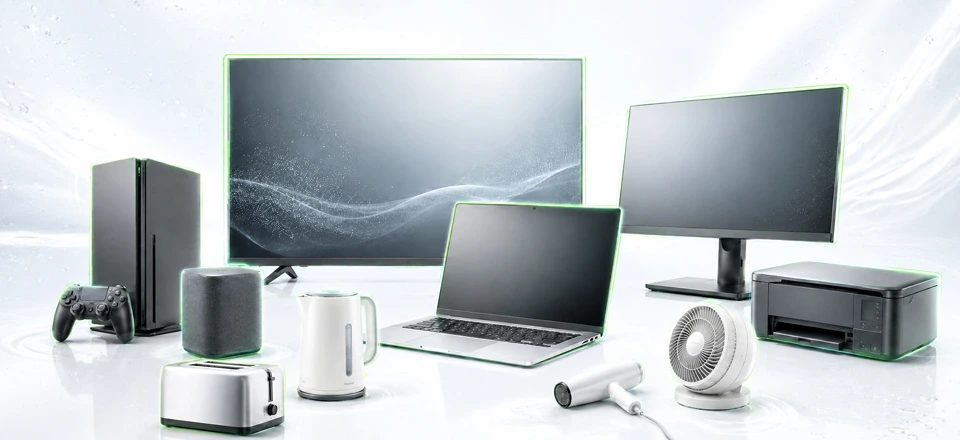
Electronic devices may look sturdy on the outside, but their internal components are highly sensitive. Circuit boards, display panels, ports, batteries and metal parts can easily be affected by environmental conditions. Certain risks can damage electronics, and if they aren't stored carefully, these risks can cause devices to break down.
- Humidity: Can lead to oxidation on circuits, rust on metal parts and the risk of short circuits.
- Temperature: Can cause permanent problems, especially in devices with screens, batteries and sensitive electronic components.
- Dust: Can clog ventilation channels and reduce device performance.
- Impact and pressure: Can cause cracked panels or internal damage in devices such as TVs, monitors and computers.
- Static electricity: A serious risk for computer components such as hard drives, RAM and motherboards.
For example, a laptop that has sat in a damp basement for a long time may look fine on the outside. But when you turn it on, you may run into problems such as oxidation on the motherboard, damaged ports or a swollen battery. That's why storing electronics should never be treated as simply putting things in boxes.
Which Electronics Can Be Kept in Storage?
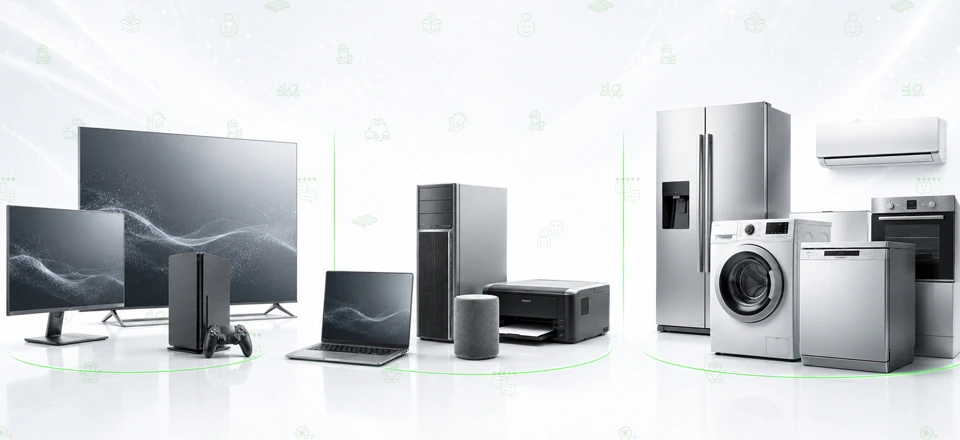
Many electronic items can be stored safely in professional storage facilities. These include home electronics, office equipment and large appliances. TVs, monitors, desktop computers, laptops, game consoles, sound systems, speakers, printers and scanners, small kitchen appliances, refrigerators, washing machines, dishwashers, air conditioners and similar devices can all be stored.
How Should Devices Be Prepared Before Storage?
The preparations you make before placing electronics in storage are essential for a safe storage process. Rather than putting a device straight into a box, there are a few basic steps you should follow.
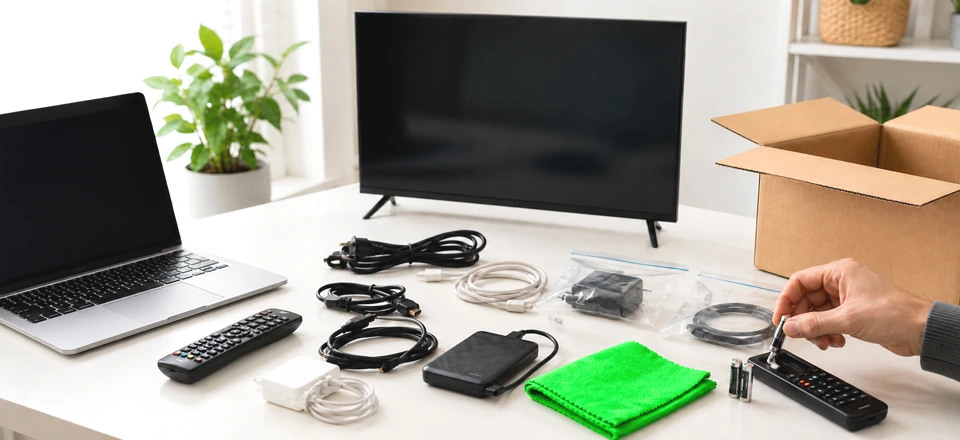
First, wipe the surface of your devices with a dry, soft cloth. Electronics stored while dusty can develop dirt, odors and even mold once that dust combines with moisture. In particular, computer cases, the backs of TVs, speaker grilles and the interior surfaces of printers should be cleaned of dust as thoroughly as possible. We explain in detail how to prevent humidity and mold in storage in our article humidity, mold and pests in storage.
Cables, adapters, remote controls and small accessories should be detached from the device and kept in separate bags. If you write on each bag which device it belongs to, you'll avoid any mix-ups when taking things out of storage. Keeping parts such as HDMI cables, chargers, power cords, remote controls and connectors neatly together in the same box makes things much easier to use later.
Always remove the batteries from remote controls, wireless keyboards, mice and other battery-powered devices. Batteries left inside a device for a long time can leak and damage its internal mechanism.
Another important step for computers, tablets, external drives and other data storage devices is backing up. Backing up important files to another drive, a cloud service or another reliable location before storage provides extra protection against potential data loss.
Large appliances also need preparation: a refrigerator, for example, should be completely emptied, cleaned and dried. Any water left in washing machines and dishwashers should be drained. Appliances with moisture left inside can develop bad odors, mold and rust in an enclosed space.
How to Pack Electronics Properly
Packing is one of the most critical steps in storing electronic devices safely. No matter how high-quality a device is, it can be damaged during transport or storage if it's packed incorrectly.
Original Boxes Are the Safest Option
The original boxes of electronic devices are designed around the product's dimensions and weight distribution. If you still have the original boxes for devices such as TVs, monitors, desktop computers, game consoles or sound systems, these should be your first choice for storage.
The foam inserts in original boxes keep the device from moving around inside the box. This reduces the risk of jolts, impacts and pressure during transport.
No Original Box? Use the Right Materials
If you don't have the original box, simply placing the device in any old carton isn't the right approach. Electronics should be packed in sturdy, impact-resistant boxes with internal padding.
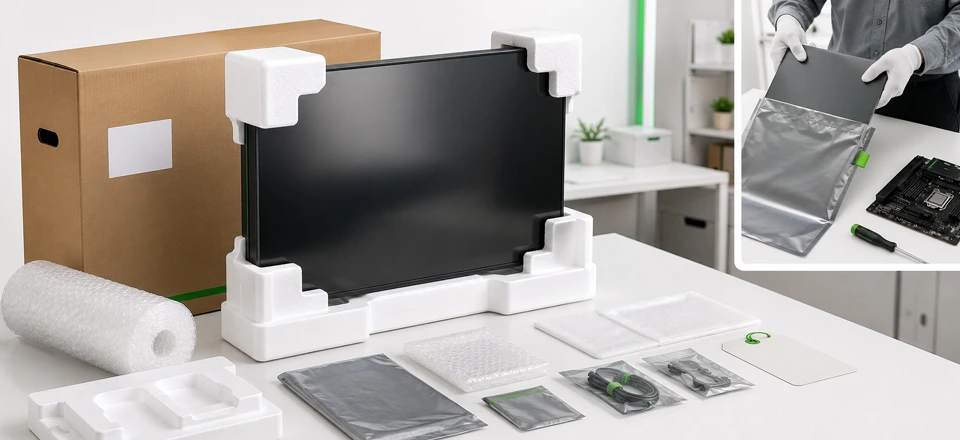
There are a number of materials you can use when packing. Bubble wrap, anti-static bags, foam blocks, sponge padding, heavy-duty cardboard boxes, bags for cables and accessories, and fragile labels will all come in handy.
Computer components in particular, such as motherboards, graphics cards, RAM and hard drives, should be protected in anti-static bags. For devices with screens, such as TVs and monitors, use a soft protective layer that keeps pressure off the panel surface.
Wrapping a large-screen TV in nothing but a blanket and moving it to storage is not a safe method. Even if the panel looks sturdy, the slightest pressure or impact can leave permanent spots, lines or cracks on the screen. That's why devices with screens should always be packed with corner protectors, bubble wrap and padded boxes.
Why Is Labeling Boxes Important?
When storing electronics, clearly write the contents on every box. Clear descriptions such as “Monitor,” “Computer accessories,” “Sound system cables” or “Small kitchen appliances” make things much easier when it's time to take them out of storage.
Boxes containing delicate devices should also carry warnings such as “Fragile,” “Handle with care” or “Do not stack.” This simple but effective step helps both the moving crew and the storage staff handle the boxes more carefully.
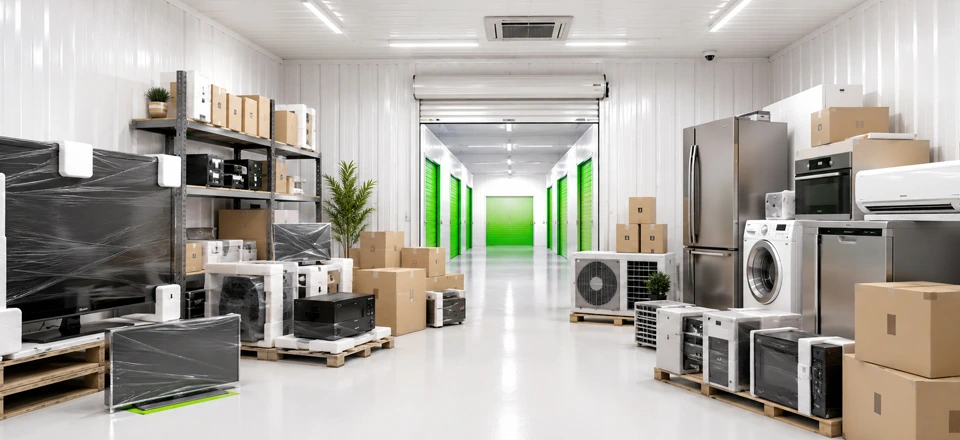
Choosing a Safe Storage Facility for Electronics
When storing electronics, packing alone isn't enough. The environment in which your devices are kept is just as important as how they're packed. Damp, poorly ventilated, extremely hot or extremely cold spaces are not suitable for electronic devices.
An ideal storage environment for electronics should have the following features:
- Humidity levels should be kept under control
- There should be no sudden temperature changes
- The space should be ventilated regularly
- The floor should be dry and clean
- Items should not be in direct contact with the floor
- The storage area should be monitored by security cameras
Spaces such as a garage, basement, balcony or spare room may seem practical in the short term. However, humidity, temperature and security are usually not adequately controlled in these spaces. For long-term storage in particular, professional storage facilities offer a much safer solution.
Frequently Asked Questions About Electronics Storage
Can electronics be kept in storage?
Yes. Electronics can be kept safely in storage as long as they are packed properly and stored in a secure facility with suitable conditions. Humidity and temperature control are especially important.
What should you do before putting electronic devices into storage?
Devices should be cleaned, their cables detached, their batteries removed and any devices containing data backed up. They should then be packed with suitable packing materials.
How should a TV be stored?
If possible, a TV should be stored upright in its original box. No pressure should be placed on the screen surface, and the corners should be reinforced with protective materials.
How should computers and computer parts be stored?
Computers should be cleaned of dust, their cables detached and, if possible, packed with anti-static protection. Parts such as RAM, motherboards and graphics cards should be kept in anti-static bags.
How can electronics be protected from humidity?
The most effective way to protect electronic devices from humidity is to choose a dry, ventilated and, if possible, climate-controlled storage space. Devices should not be in direct contact with the floor and should be kept dry inside their boxes.
What should be done before storing large appliances?
Before going into storage, large appliances such as refrigerators, washing machines and dishwashers should be cleaned, drained of any water and dried completely.
Will electronics be damaged if they stay in storage for a long time?
Electronic devices kept in unsuitable conditions for a long time can suffer from humidity damage, rust, oxidation, battery deterioration or screen damage. Proper packing and a suitable storage environment reduce these risks.